


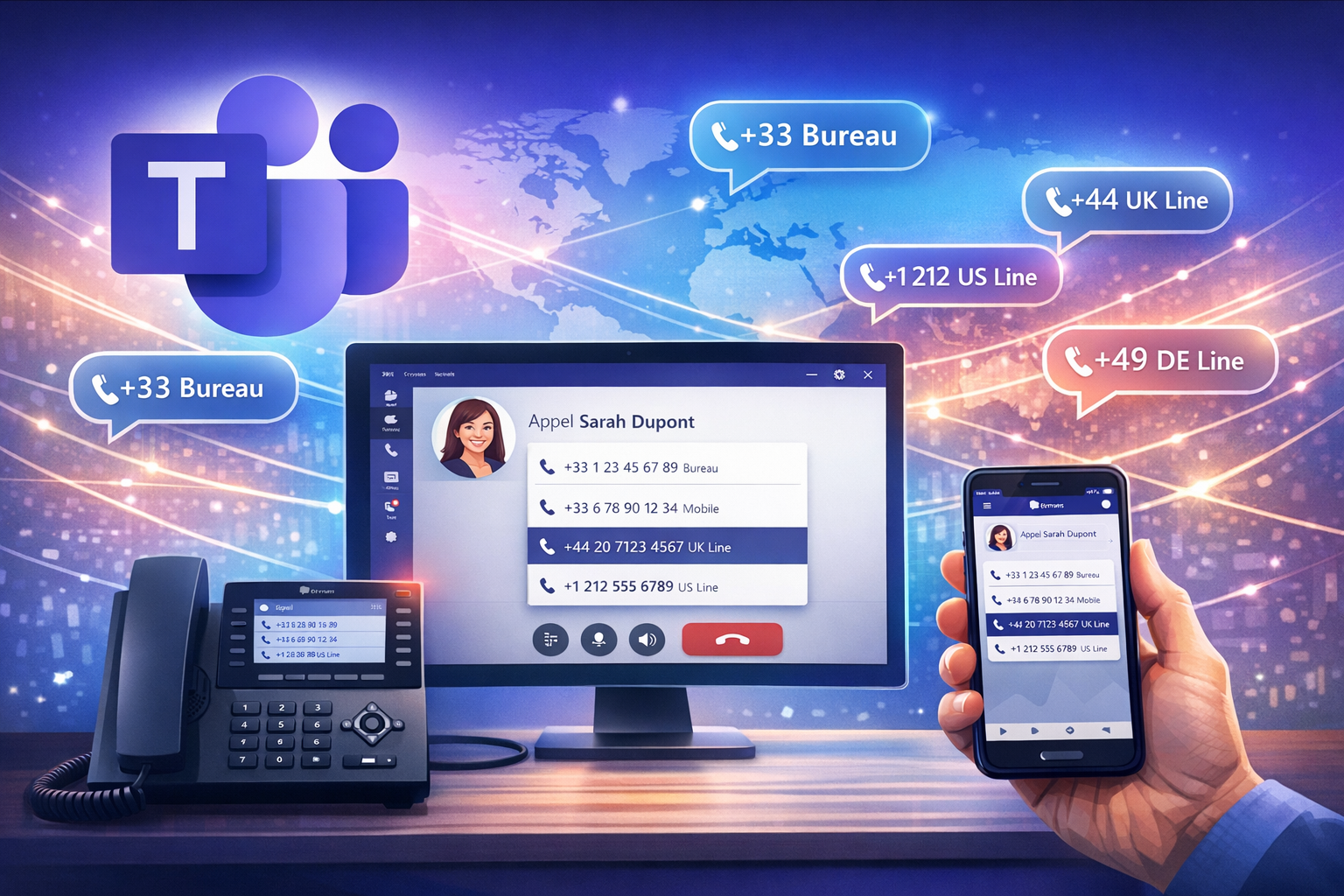
One user, up to 11 phone numbers
Multi-line functionality allows Teams Phone administrators to assign :
- 1 main line
- Up to 9 alternative lines
- Optionally 1 private line or 1 Teams Phone Mobile number
This means a maximum of 11 numbers per user, all linked to a single Teams account.
These lines can come from various PSTN technologies:
- Calling Plan
- Operator Connect
- Direct Routing
- Teams Phone Mobile (limited to a single number)
This model is particularly relevant for :
- Users with multiple roles
- Multi-departmental contexts
- Teams operating in several regions or countries
Powerful configuration… but mainly administrator-driven
Today, multiple line management is largely oriented towards administrators:
- Line assignment in Teams Admin Center or via PowerShell
- Manage line types (main, alternative, private)
- Strict control of licenses and Enterprise Voice
The end-user benefits from multi-number capability, but the experience remains framed by what the Teams client can display and manage.
A nuanced user experience for Teams customers
Contrary to what one might expect, the experience is not totally equivalent on all clients.
According to official Microsoft documentation:
- Users can receive calls on all their lines
- Caller ID selection is context- and customer-dependent
- Not all interfaces offer the same visibility or the same options for managing lines
👉 In plain English:
- ✅ Functionality is well supported on Teams Desktop, Web and Teams devices
- ⚠️ But the user experience is not yet totally intuitive or seamless.
Real benefits for international organizations
Despite these limitations, multi-line functionality remains highly relevant in specific contexts:
- Presenting a local number to international customers
- Centralize multiple telephone identities without multiplying accounts
- Reduce the complexity of multi-tenant or multi-station environments
The incoming call remains clearly identified, reverse search works, and the experience for the caller is consistent and professional.
What to look for before deploying it
Before widely activating multi-line users, it is essential to :
- ✅ Understanding customer limitations
- ✅ Identify real business use cases
- ✅ Provide a minimum of communication or user training
- ✅ Test according to the types of Teams clients used (desktop, mobile, devices)
This feature is primarily intended for advanced users, not yet for universal use.

