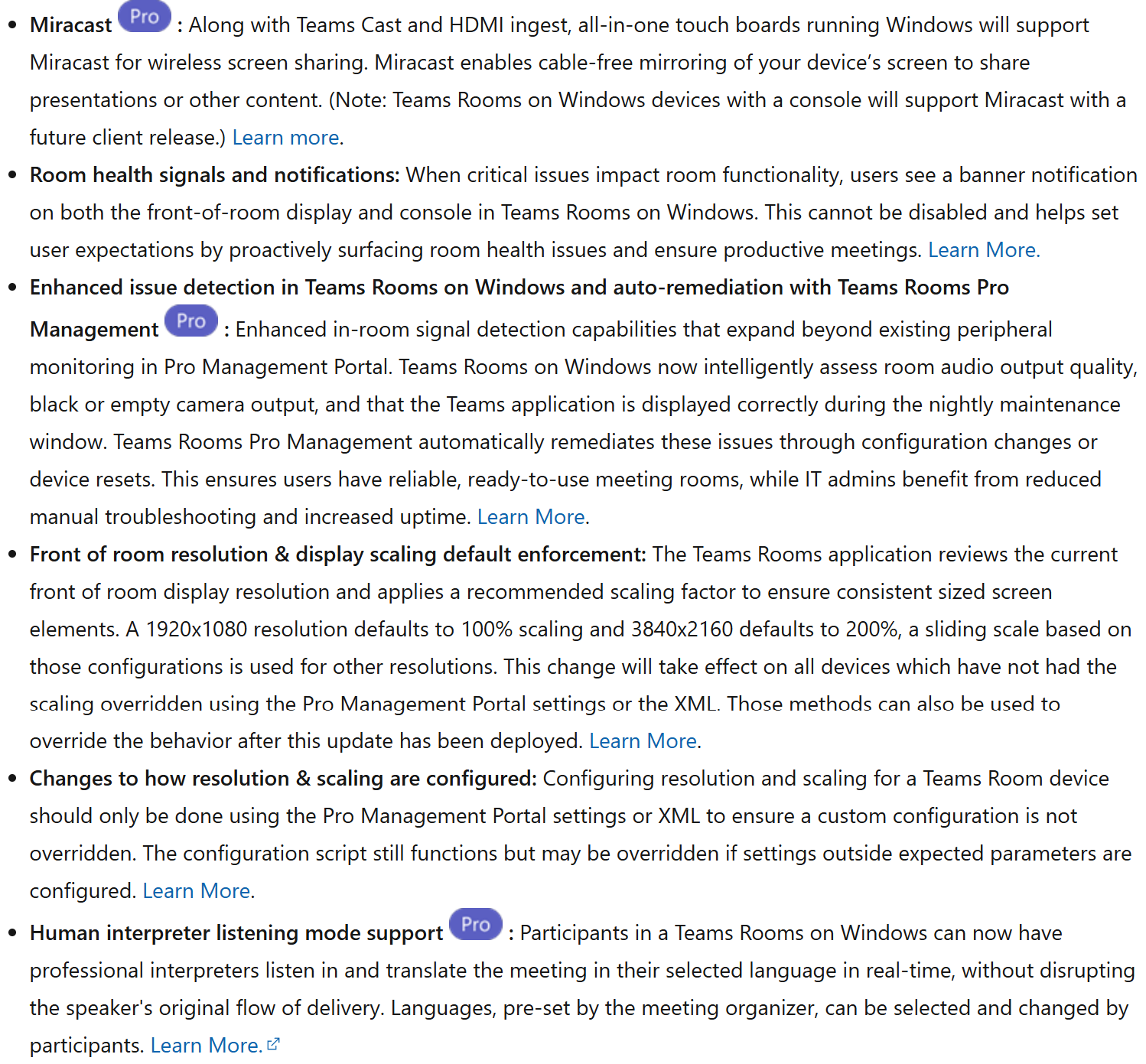


Miracast is coming to Teams Rooms
The main new feature in this version is the addition of Miracast support for all-in-one touchscreens running Windows.
In addition to Teams Cast and HDMI sharing, users can now share their screen wirelessly directly to the room using Miracast.
A concrete example
Imagine a creativity room equipped with a Surface Hub or an interactive whiteboard.
A participant wants to quickly share their screen to present a mockup, a network architecture diagram, or a Power BI report.
Instead of walking over to the conference table to plug in a cable, he can project his content directly onto the interactive whiteboard via Miracast and seamlessly continue the discussion with the rest of the team.
In this type of collaborative environment, wireless technology really helps make communication flow more smoothly.
Classrooms that flag their own problems
Microsoft is also improving the visibility of room status.
When Teams Rooms detects a critical issue that could affect a meeting, a notification now appears directly on the room’s main screen as well as on the touchscreen console.
The goal is simple: to inform users before the problem disrupts the meeting.
For example:
- Camera Unavailable
- Audio Problem
- Malfunction of a Critical Device
Note: This feature cannot be turned off.
Even More Automation for Administrators
Microsoft also continues to invest in Teams Rooms Pro Management.
The platform is now able to detect more anomalies in the rooms:
- Poor audio quality
- Black or empty video stream
- Display Issues with the Teams Rooms App
In some cases, the system may even automatically apply fixes or reset certain settings to restore normal operation in the room.
Standardization of signage in the rooms
Patches
Microsoft has also fixed a few known issues, including:
- Issues related to audio and video settings during Coordinated Meeting Join in certain Whiteboard scenarios.
- An issue that may cause the touchscreen console to freeze when entering or exiting abreakout room.